Start with a trigger
Select a trigger that sets your workflow in motion.
This could be anything from a new order in your Shopify store to a customer signing up for your newsletter.
Triggers are the starting points that tell MESA when to act.


MESA is the most flexible way automate Shopify to Google Analytics. Easily add workflows to simplify your work.
Top companies trust MESA to automate the work that runs their business.






Quickly add automation with our pre-made Shopify workflow templates.
MESA helps you make workflows that keeps your business running. A trigger is the event to start a workflow then, actions are performed.
Shopify to Google Analytics automations get more done in less time. Automate the everyday tasks holding back your potential growth.
As customers shop, MESA updates their tags, fields, and records in real time. Your email lists, loyalty tiers, and CRM stay accurate without anyone touching them manually.
MESA monitors inventory levels across your catalog and triggers alerts or reorder actions the moment stock drops. Your team knows before customers ever see "sold out."
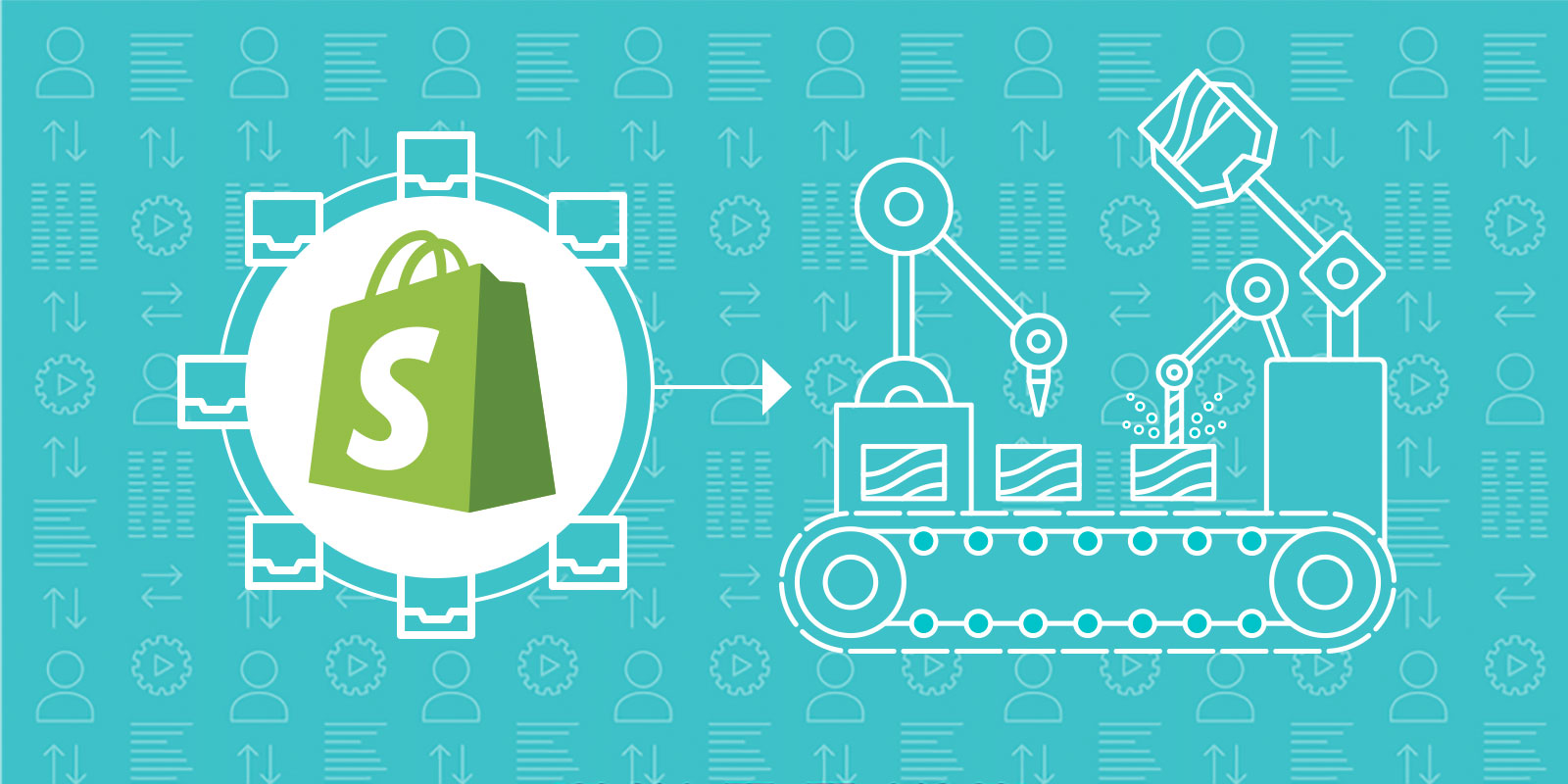
Orders, customers, and products flow automatically to the tools your team already uses — spreadsheets, CRMs, ERPs, and more. Every system stays in sync without manual exports.
Use AI to read order details, customer history, and product data to take action on your behalf. Tag, notify, update, or escalate — without writing a single workflow from scratch.
Wholesale, gifting, B2B, pre-order — MESA reads order data and sends each one down the correct path. Fulfillment, notifications, and external syncs all happen without manual sorting.
When an order is placed, a customer is created, or a key lifecycle event occurs in Shopify, MESA sends the event data to Google Analytics in real time. Your reporting reflects what's actually happening in your store without a custom data layer or manual tagging step on every new workflow.
When a traffic spike, a campaign window, or a high-converting session pattern appears in Google Analytics, MESA kicks off the right action in Shopify — a product promotion, an inventory alert, a team notification. Your store responds to what's driving performance, not just what's already in the order queue.
When a significant drop in conversion rate, a traffic spike from an unexpected source, or an unusual bounce pattern appears, MESA notifies the right person through Slack or email. Your team investigates while the signal is still fresh rather than catching it in a weekly analytics review.
When a new automation is built or a workflow is updated in MESA, the corresponding Google Analytics event is logged so your reporting stays accurate. Your analytics layer reflects how your store actually operates without someone manually updating the tracking plan every time a workflow changes.
Your AI assistant reads Google Analytics session and conversion data alongside Shopify purchase history to identify customers whose on-site behavior indicates they are drifting — high browse activity without purchase, declining session frequency, repeat cart abandonment. MESA triggers the right retention workflow before the pattern becomes a lost customer.

Build AI agents in minutes that integrate, automate, and simplify your business.
Try for free Try MESA for free, 7-day trial included.MESA helps you connect two or more apps to handle repetitive tasks automatically, no code necessary.
Select a trigger that sets your workflow in motion.
This could be anything from a new order in your Shopify store to a customer signing up for your newsletter.
Triggers are the starting points that tell MESA when to act.


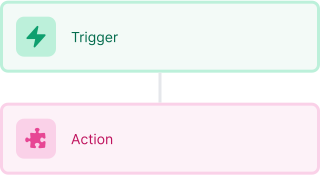
Next, choose the action that should follow the trigger.
Actions are the tasks that MESA will perform automatically, such as sending a confirmation email or updating your product inventory.
Linking actions to triggers is how you build a seamless workflow process.
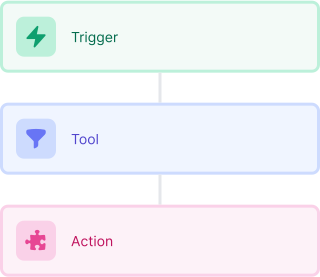
Make your workflow even more flexible using built-in apps.
Customize your automation with tools that match your specific needs, whether it's scheduling theme changes or syncing with your CRM.
Personalization ensures your workflows fit your unique business requirements.
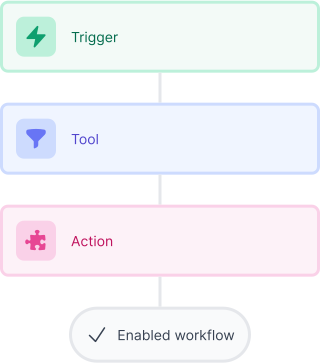
Finally, enable your workflow. You've just automated a task that will save you time and reduce manual effort.
With MESA, complex processes become simple, freeing you up to focus on what matters most—growing your business.

Get help from our team of experts and industry partners, who are dedicated to ensuring your MESA experience is smooth, efficient, and tailored to your exact business needs.